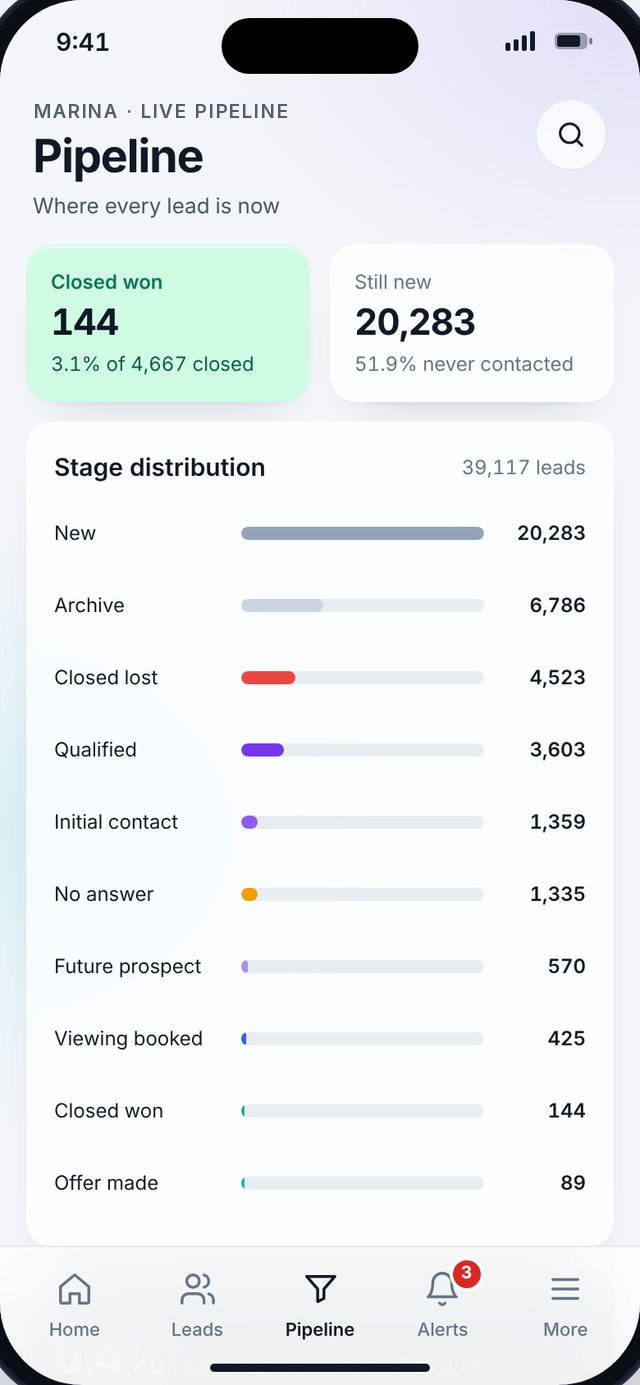
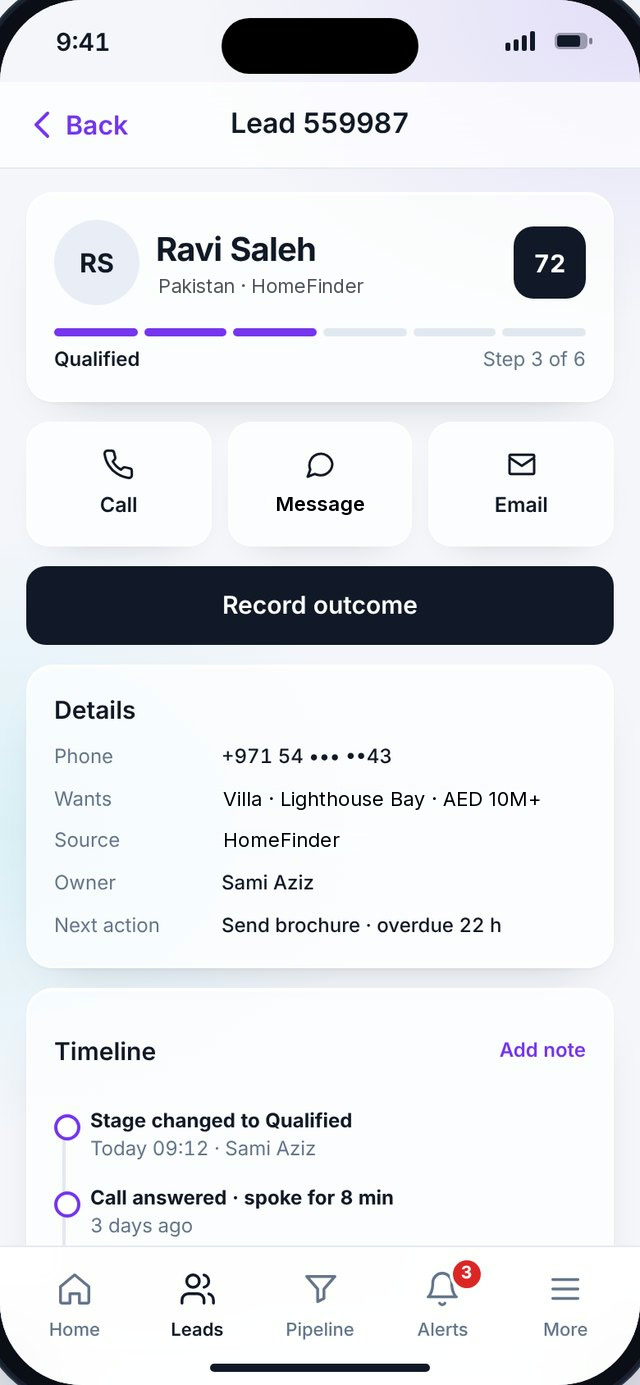
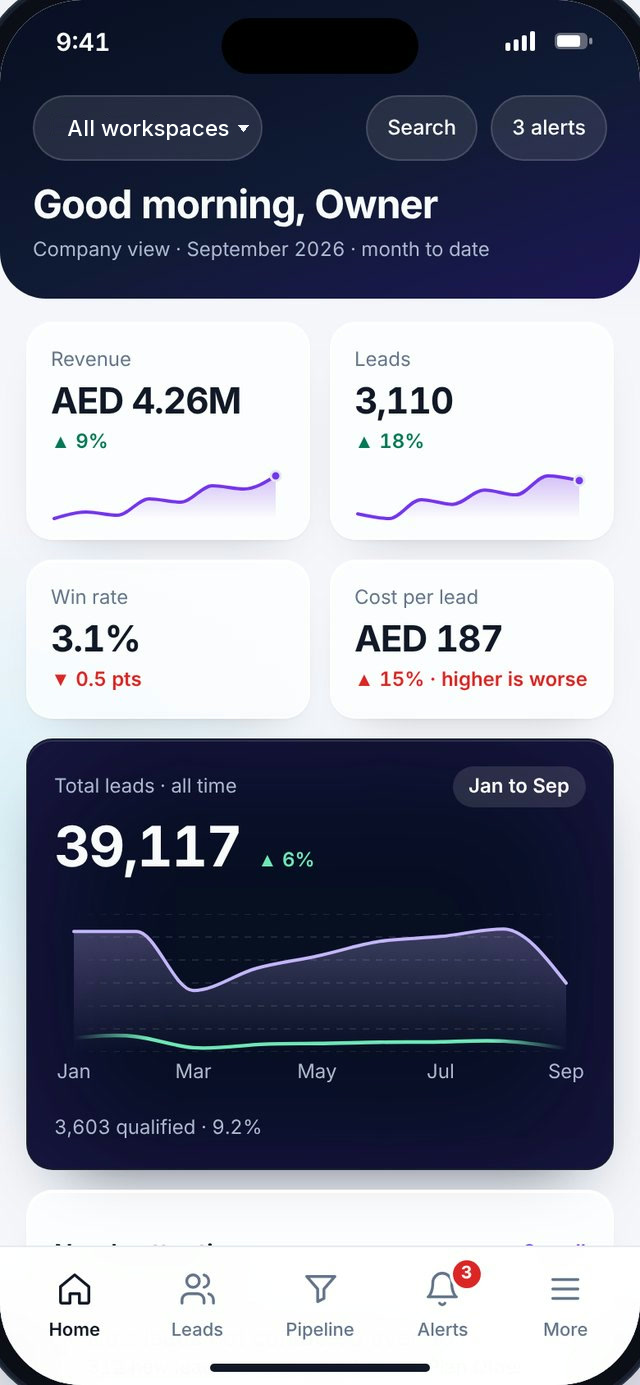
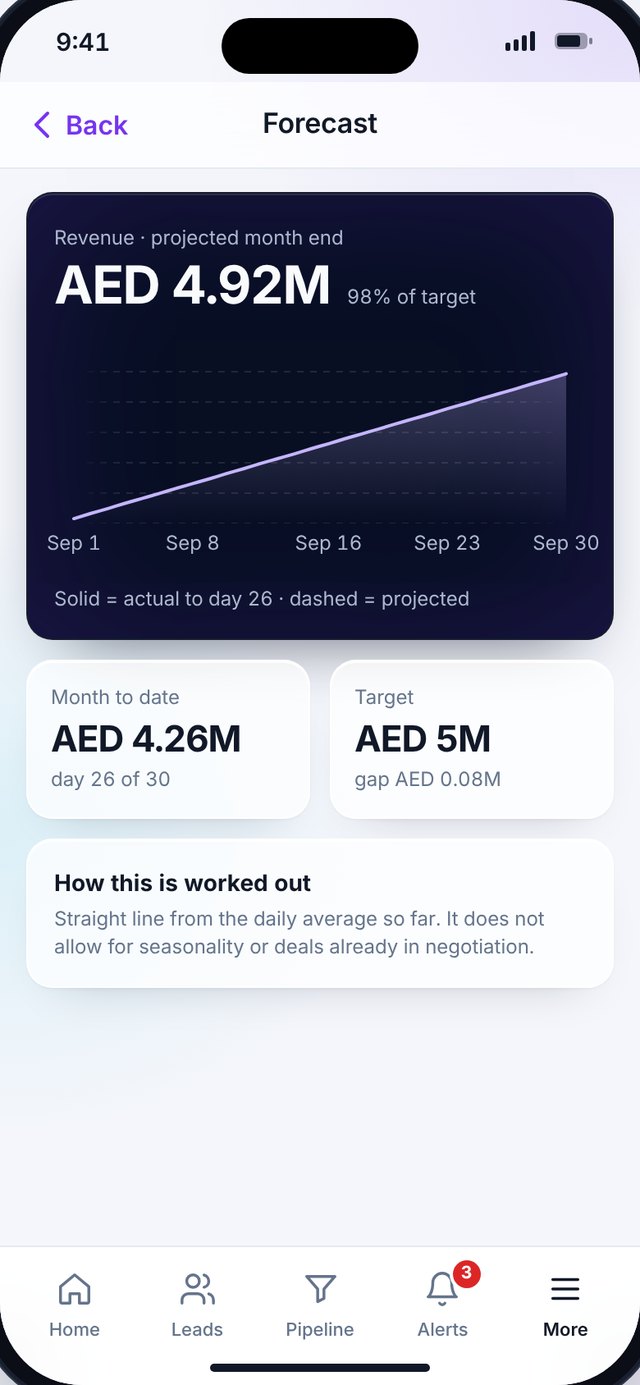
The app is a design build. Screens show sample data.
30
screens in the design
Onboarding, home, leads, pipeline, alerts, listings and more.
2
roles
Management and Agent, each with its own tools.
1
app for iPhone and Android
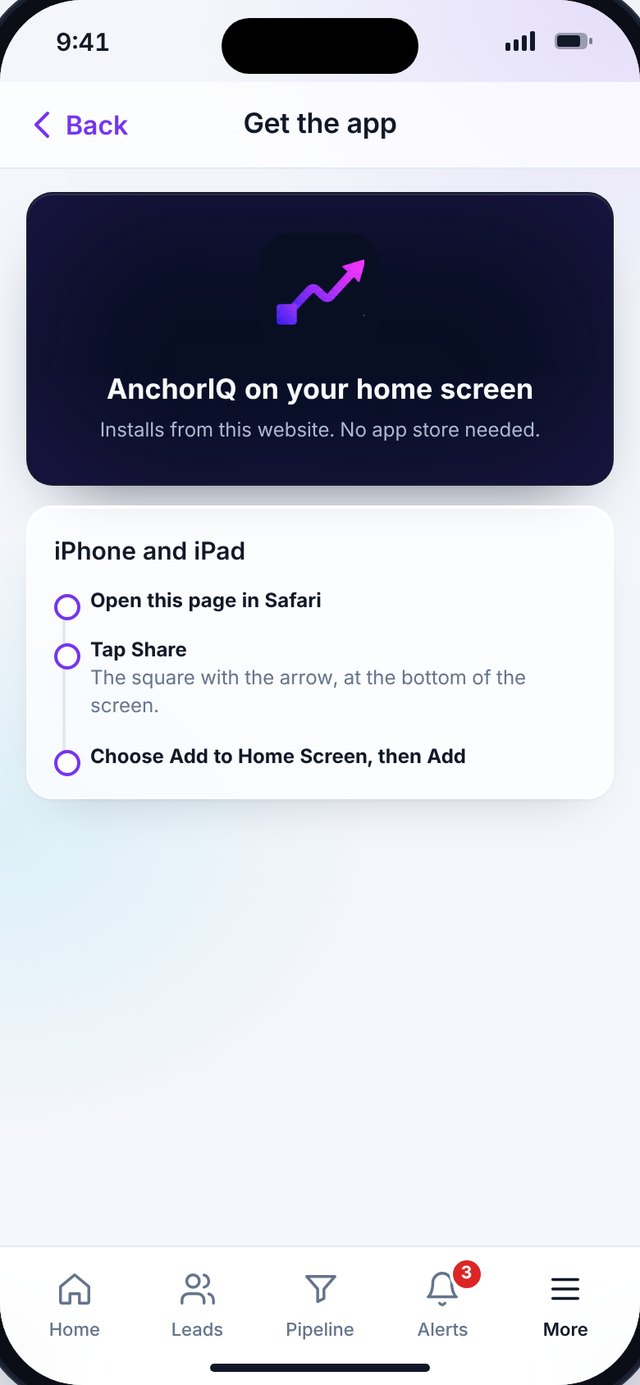
It installs from the website. No app store needed.
Ten screens, up close.
Point at a screen to see it and what it does. The first six are for management, the last four for agents.
{{n.p}}
{{n.b1}}
{{n.b2}}
{{n.b3}}
Sample data
One app, two roles.
Access follows the role, the same as in the dashboard.
Management
The business at a glance.
Results, pace and the exceptions, without opening a laptop.
AI insights.What changed and why
Goals and forecast.Targets, pace and projected month end
Team comparison.Teams side by side
Board pack.An executive summary to share as PDF
Portal performance.Listings and enquiries by portal
Agent
The day, in order.
Who to contact, what happened and what comes next.
New lead.Add an enquiry on the spot
Tasks.Calls and follow-ups by day
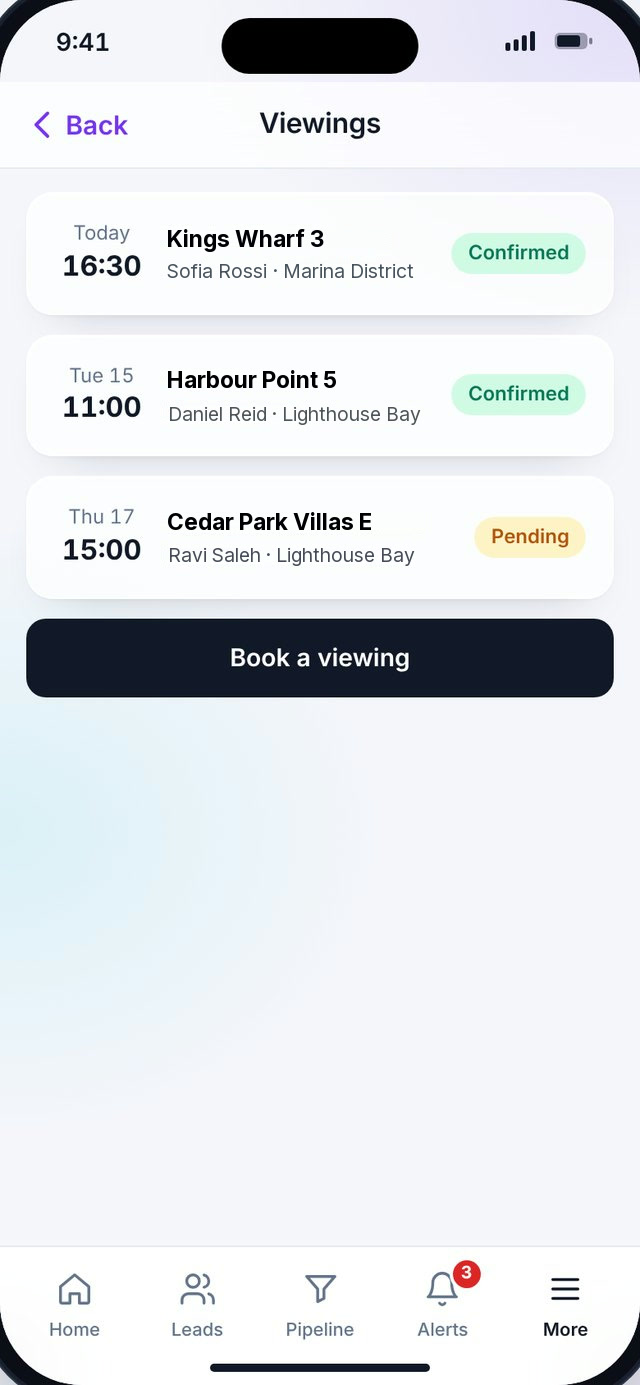
Viewings.Booked viewings with their status
Call log.Answered, no answer and viewing booked
Record outcome.Close the loop after every contact
From alert to next step.
Five taps from knowing about a lead to having dealt with it. Point at a stage to highlight it.
No app store needed.
The app is built as a web app, so one version serves iPhone and Android and installs straight from our website. Store versions can follow from the same screens.
AndroidIn Chrome, choose Install app, or open the menu and choose Add to Home screen.
iPhone and iPadIn Safari, tap Share, then Add to Home Screen.
After thatAnchorIQ opens full screen from its own icon, like any other app.
Installing becomes available once the app is live on our site. Today it is a design build with sample data.
See the app on a call.
We will walk through the management and agent views on a phone, with your questions.