
Search everything
One search box finds pages, dashboards, agents, teams, listings and leads.
Nobody has to learn the menu to find a lead or a listing.
Platform
Marketing, sales, teams, listings and leadership reporting on the same data, the same filters and the same definitions. Move the pointer across the field to see it respond.
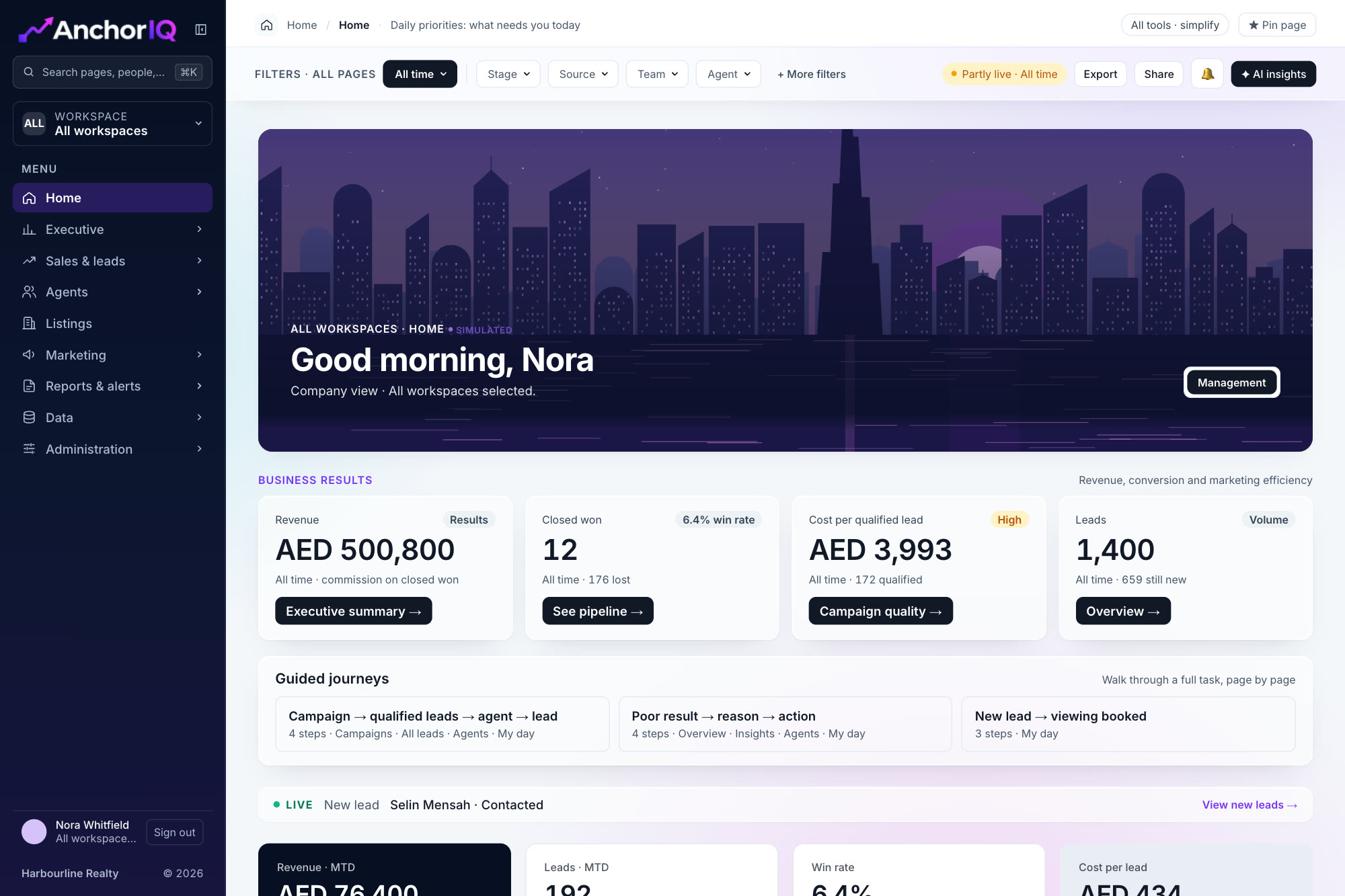
The Home screen in the AnchorIQ dashboard. Sample data.
connections in the first release
Your CRM, property portals and advertising accounts.
role home screens
Management, managers, team leaders and agents.
set of filters
Workspace, team, agent, stage, source and date on every page.
Point at an area to see its screen, what it shows and how it helps.
{{n.cta}}Sample data
Your CRM, ad platforms and portals each describe the same lead differently. AnchorIQ joins them once, so every page reads from the same record.
What goes in, and what comes out for the people who act on it. Point at a box to follow its path.
Six things work the same way wherever you are in the dashboard.
One search box finds pages, dashboards, agents, teams, listings and leads.
Nobody has to learn the menu to find a lead or a listing.
Workspace, team, agent, stage, source and date apply to every page.
Set a period once and every number you open after that agrees with it.
Keep the views you use and pin up to six pages to the menu.
The Monday review opens in one click instead of ten.
Share a link or export a branded PDF, with contact details masked by default.
A report can leave the building without exposing phone numbers.
Management, managers, team leaders and agents each open on their own priorities.
Each person starts on the work that is theirs, not on a wall of charts.
Logo, colours and the names of teams, roles and stages are set per company.
The dashboard speaks the language your team already uses.
AI Insights, arriving in the next release
A panel beside any page does three jobs: it explains a KPI change, finds neglected leads and summarises campaign quality. Each answer shows the figures it is based on and ends in an action.
Works only from figures your role can already see
Says so when the data cannot answer
Suggestions, not verified facts
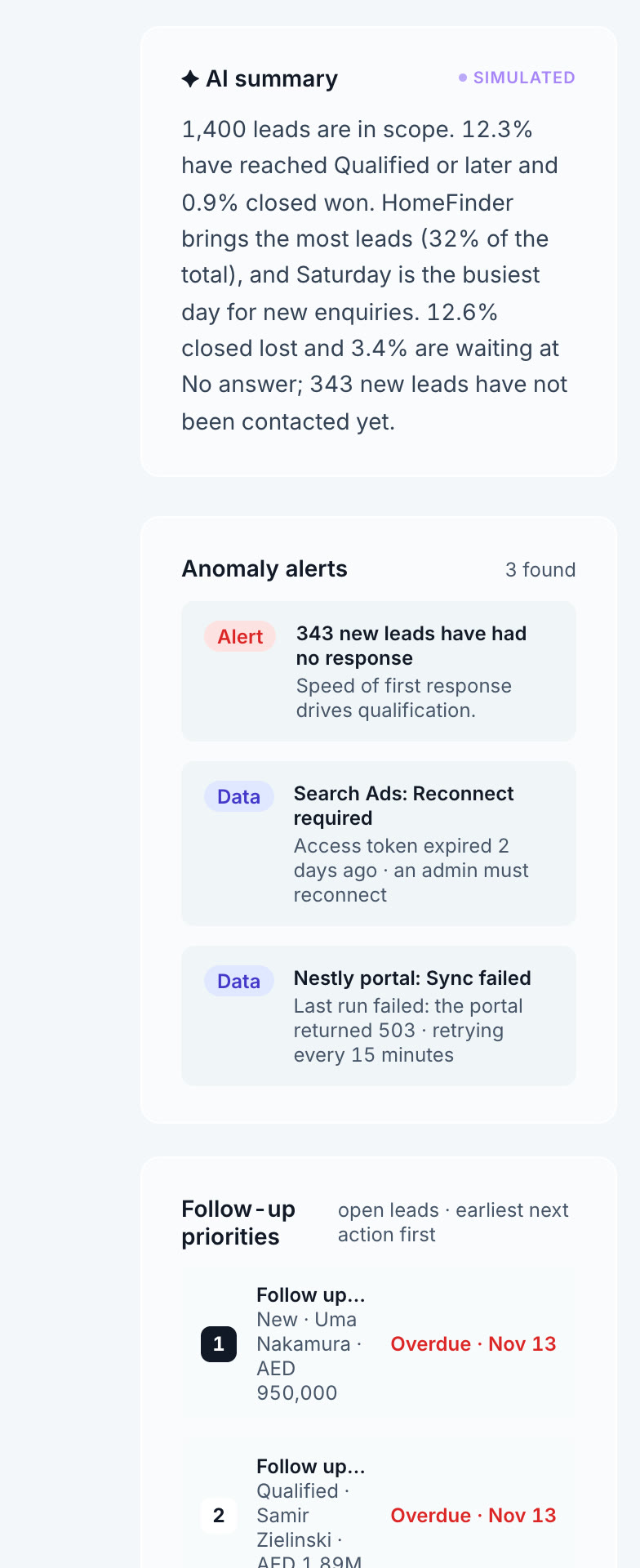
An honest order of work, so you know what is in the first release and what follows.
A walkthrough on a call, then a proposal sized to your teams, modules and connections.
One platform. Areas you do not need can be switched off, for example listings and portals for a business that is not in property.
Not by default. It reads and reports. Writing back to the CRM is an option planned for the next release.
Roles and their scope are set per company. Contact details stay masked unless a role has export permission.
Each metric has one written definition, and a status chip shows whether a source is live, stale or unavailable.